Blog.
Practical guides for the people who run data security and IT: what the problem is, what good looks like, and how to get there.
Data Loss Prevention.
 Clipboard DLP: how to stop copy-paste leaks of confidential dataClipboard DLP stops copy-paste leaks of confidential data. How the clipboard bypasses other controls, what good policy looks like, and a checklist.
 Endpoint DLP vs network DLP: which one do you need?Endpoint DLP vs network DLP: what each one sees, what each one misses, and a checklist to decide which you need to stop data leaving your company.
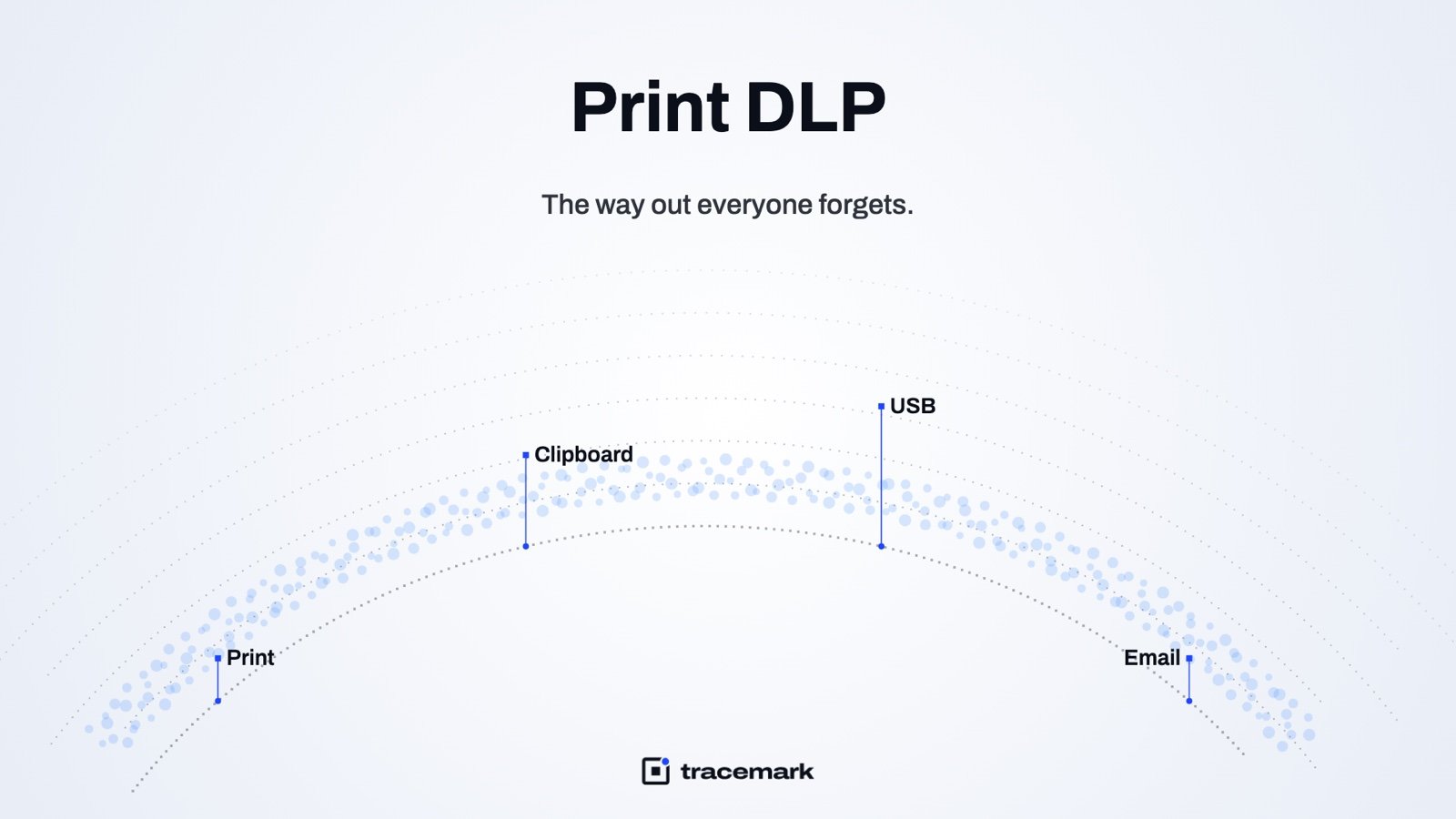 Print DLP: the way out everyone forgetsPrint DLP closes the oldest leak channel: paper. What to log, when to warn or block, and a checklist for printers, print-to-PDF and home printing.
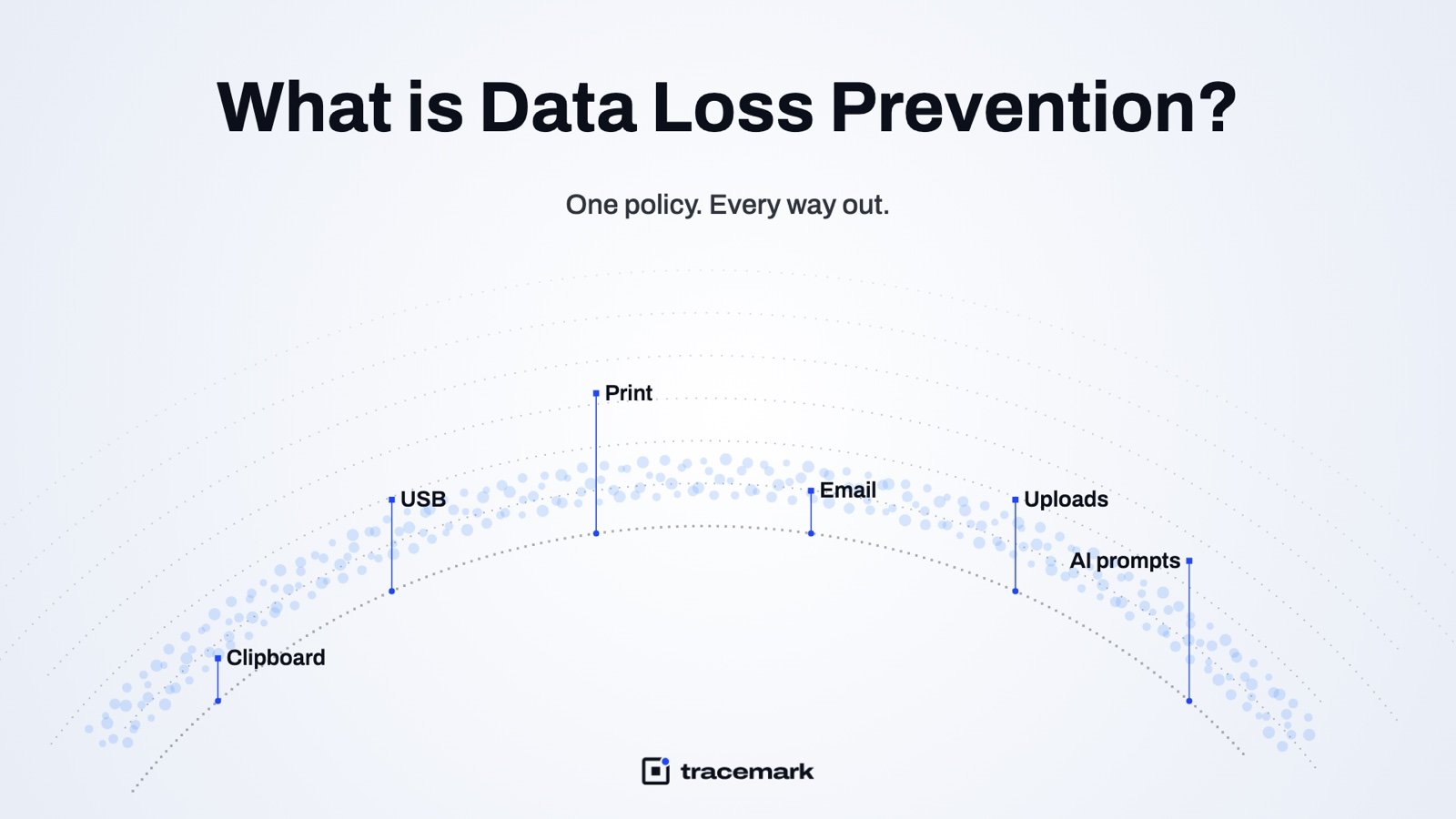 What is Data Loss Prevention (DLP)? A practical guideData loss prevention explained in plain terms: what DLP is, which channels it covers, how to roll it out without blocking work, and a checklist.
Data Security Posture.
 Automatic data classification: giving every file a levelAutomatic data classification gives every file a level based on its content, so DLP, access reviews and audits have something to act on.
 Document classification labels in Word, Excel, PowerPoint and OutlookHow document classification labels work in Word, Excel, PowerPoint and Outlook, what good labeling looks like, and a checklist for rolling them out.
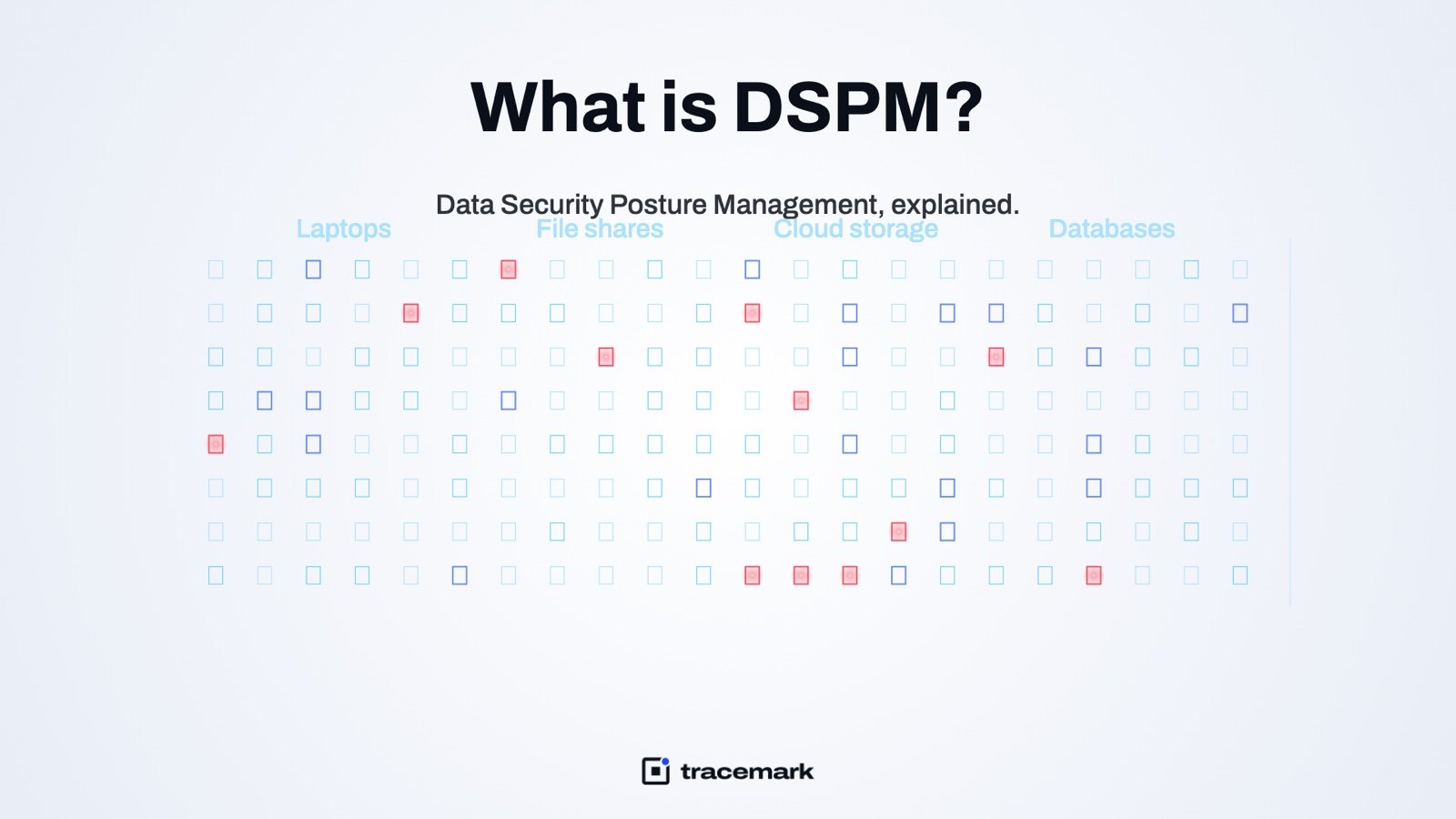 What is DSPM? Data Security Posture Management explainedData security posture management (DSPM) explained: how to find sensitive data, classify it, see who can reach it, and reduce exposure.
AI Security.
 Shadow AI: how to find every AI tool your employees useShadow AI is the set of AI tools your staff use without approval. Here is how to find every one, decide what is allowed, and keep confidential data out.
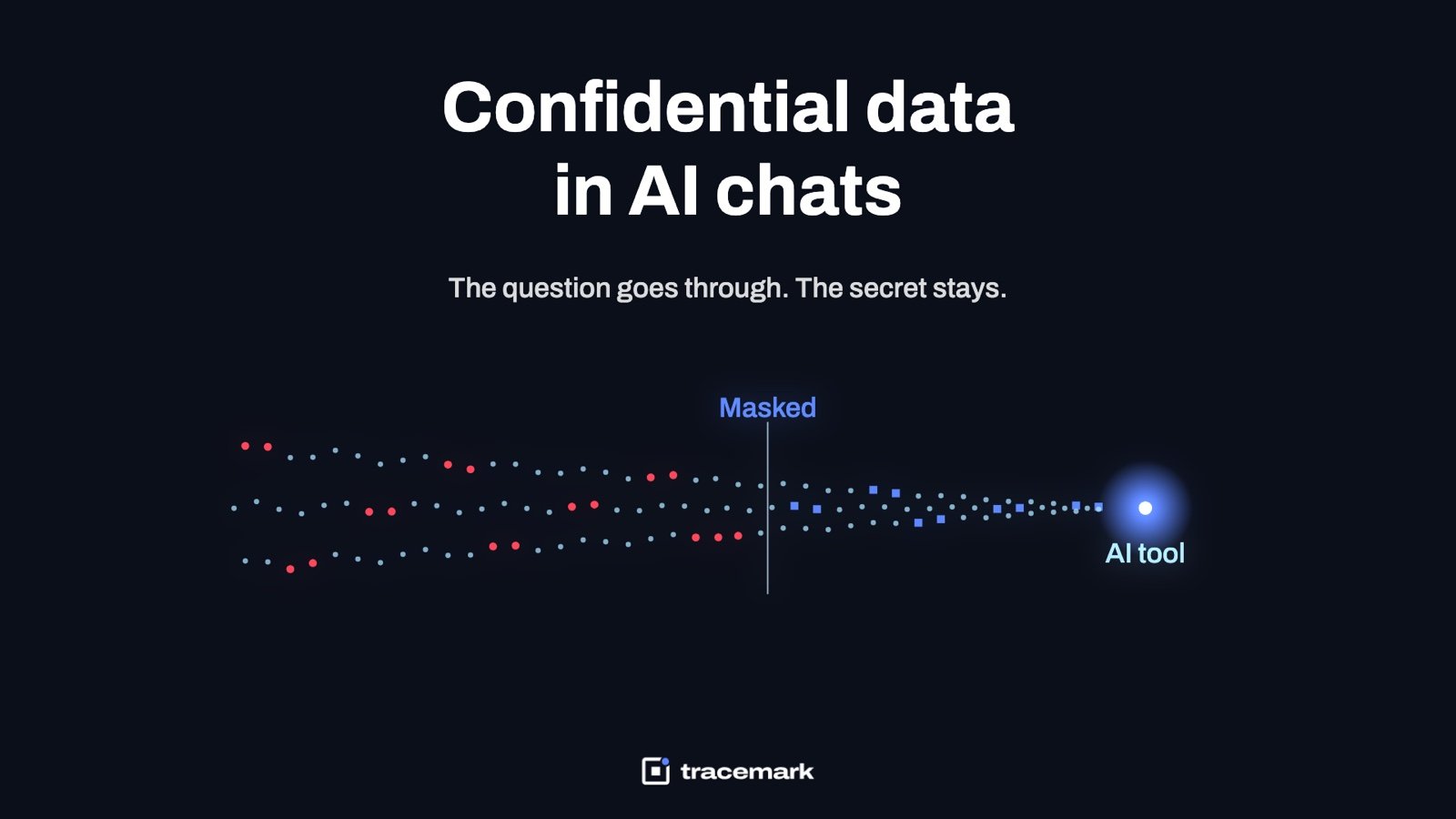 ChatGPT data leak prevention: how to stop employees pasting confidential data into AI toolsChatGPT data leak prevention that works: why blocking fails, how prompt-level checks mask secrets, and a checklist for a generative AI policy.
Insider Risk.
 Insider risk management: from signals to casesInsider risk management explained: which endpoint signals matter, how to score risk per user, and how to turn alerts into cases with evidence.
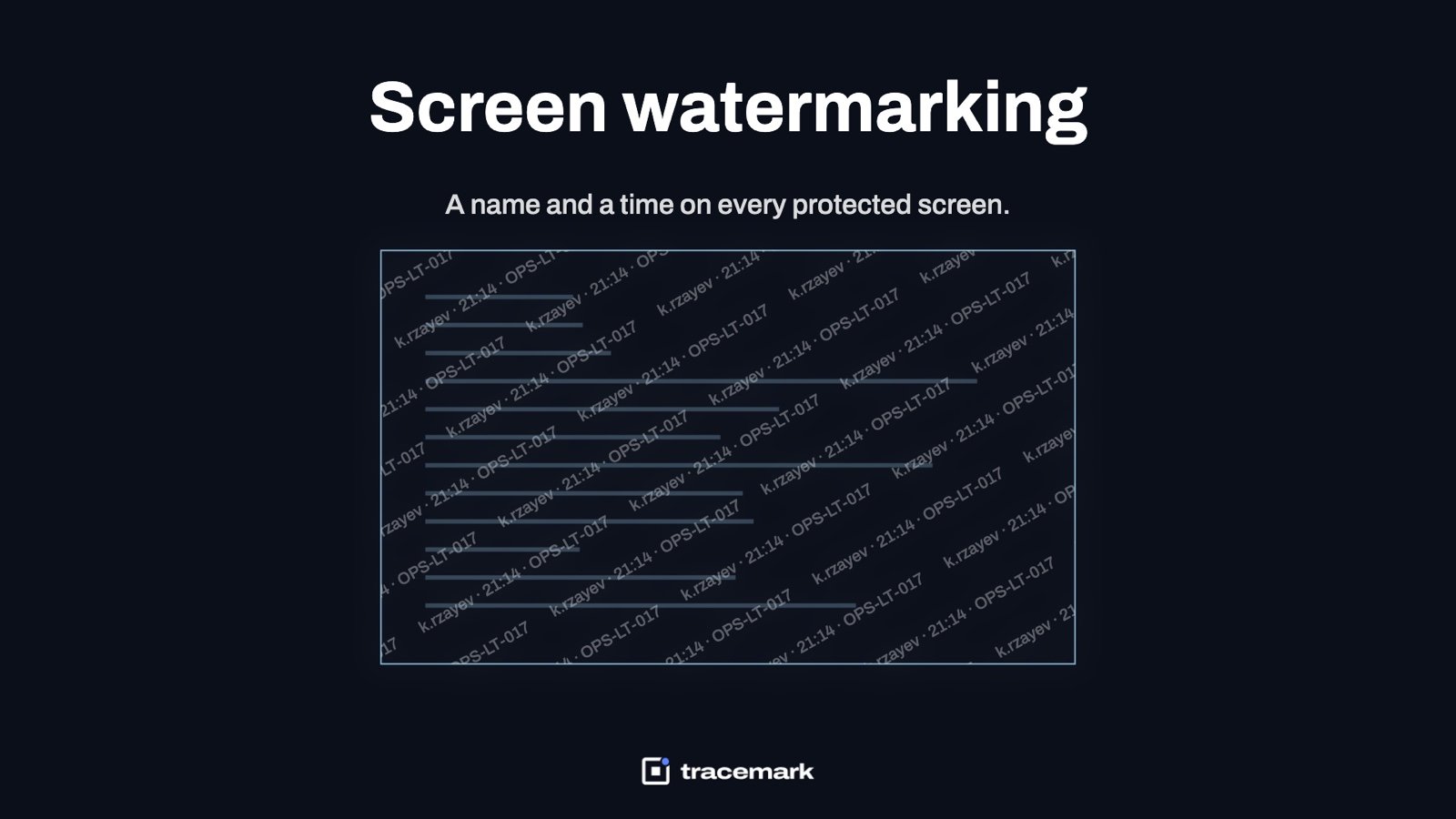 Screen watermark software: a visible name and time on every protected screenScreen watermark software puts the viewer's name, time and device on protected screens so a photo or screenshot traces back to a person.
Endpoint Control.
 Application control with default deny: nothing unapproved runsApplication control with default deny stops malware and unapproved tools before they run. How allowlisting works, how to roll it out, and a checklist.
 Force install Chrome extension policy: deploying a browser extension to every PC in Chrome and EdgeHow a force install Chrome extension policy works in Chrome and Edge: registry keys, update URLs, self-hosting, and why every failure is silent.
 Just-in-time admin rights: ending standing local adminJust-in-time admin rights replace standing local admin with time-limited, approved elevation. What it is, how to roll it out, and a checklist.
 USB device control: block removable storage without blocking workUSB device control: deny removable storage by default, trust drives by serial number, let users request timed access, and keep work moving.
Endpoint Management.
 BitLocker management: inventory, recovery key escrow and audited retrievalBitLocker management done properly: know which disks are encrypted, escrow every recovery key, and log who retrieved a key, when, and why.
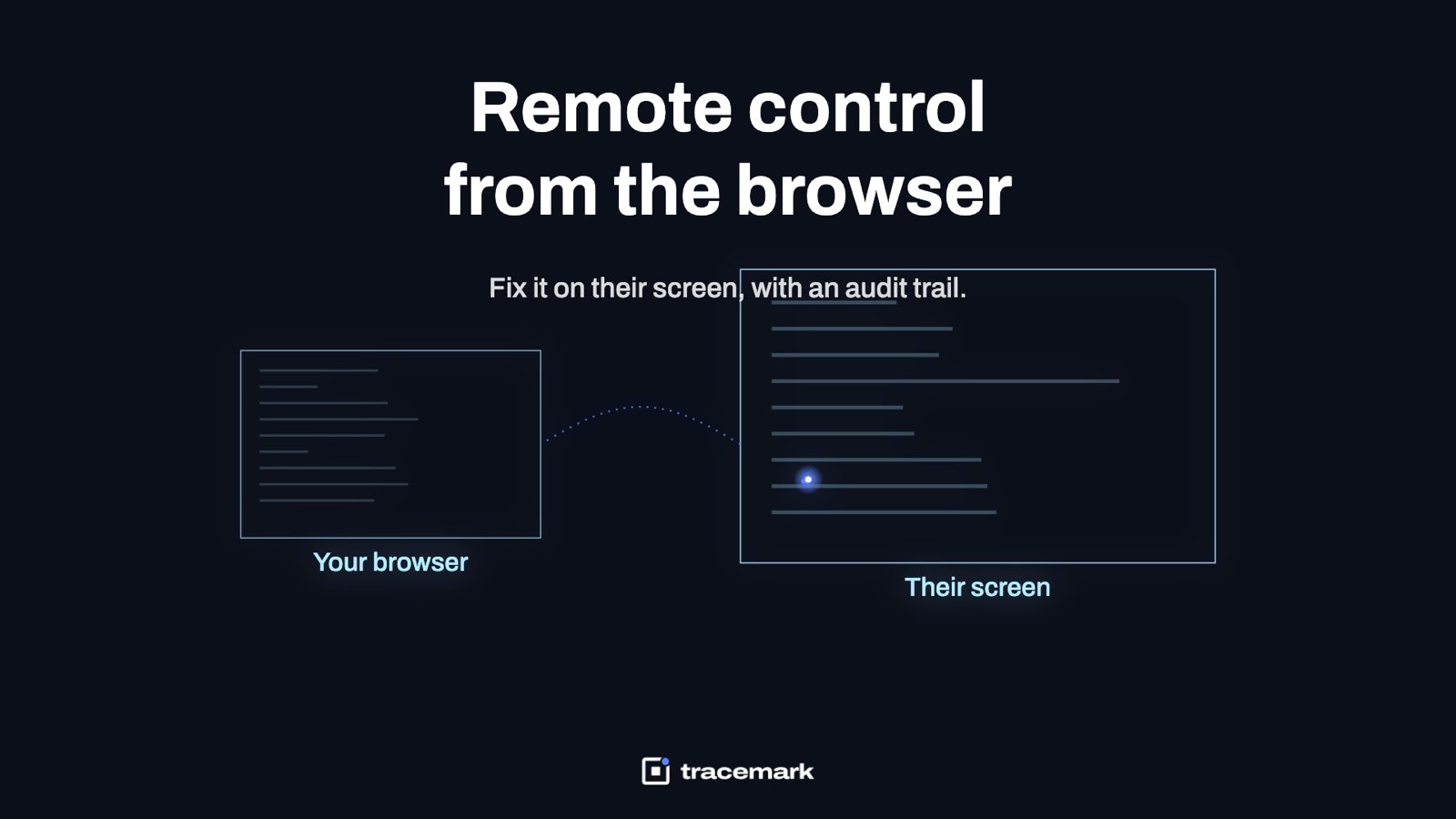 Remote control software for IT support: browser-based, with an audit trailChoosing remote control software for IT support: browser access, no third-party relay, user consent, role-based access and a trail of who connected.
 Patch management rings: canary, pilot, everyonePatch management in rings: how canary, pilot and broad deployment catch bad updates early, and why a patch counts as installed only after a rescan.
Exposure Management.
 Security hardening baseline and drift enforcement: keeping endpoints the way you set themWhat a security hardening baseline is, how configuration drift undoes it, and how to enforce the baseline so risky settings stay fixed.
 Ransomware readiness assessment: a score you can act onA ransomware readiness assessment that produces a score you can act on: stages, measured controls, untested backups, and a checklist for the first week.
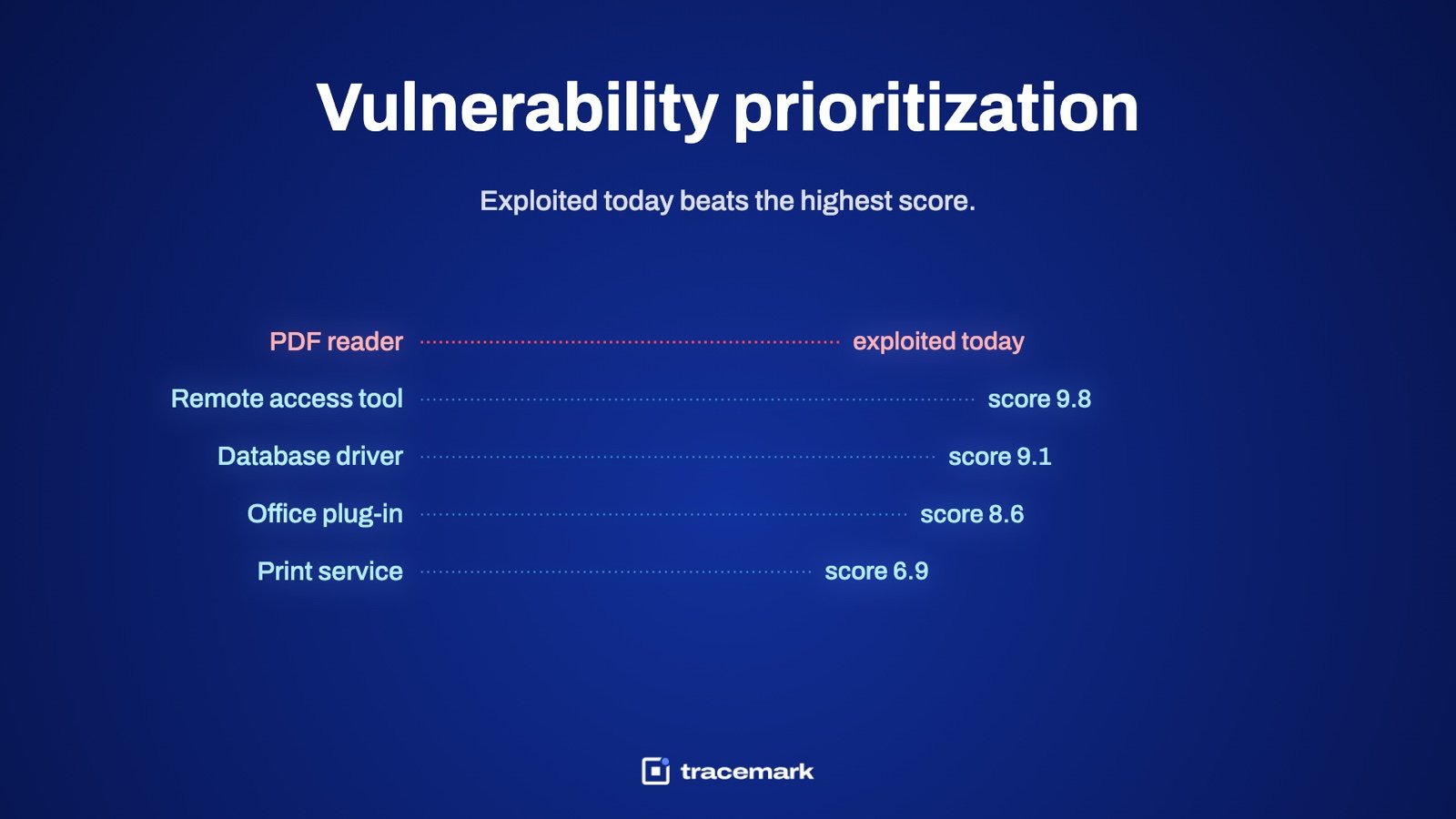 Vulnerability prioritization: fix what is exploited first, not the highest CVSSVulnerability prioritization that works: rank by active exploitation and reachability, not CVSS alone, and count a fix only after a rescan.
Email & Threat Intel.
 Email security on-premises Exchange and Microsoft 365: one process for bothEmail security on-premises Exchange and Microsoft 365: inbound posture, user reports, campaign purge, brand watch, and a checklist that works for both.
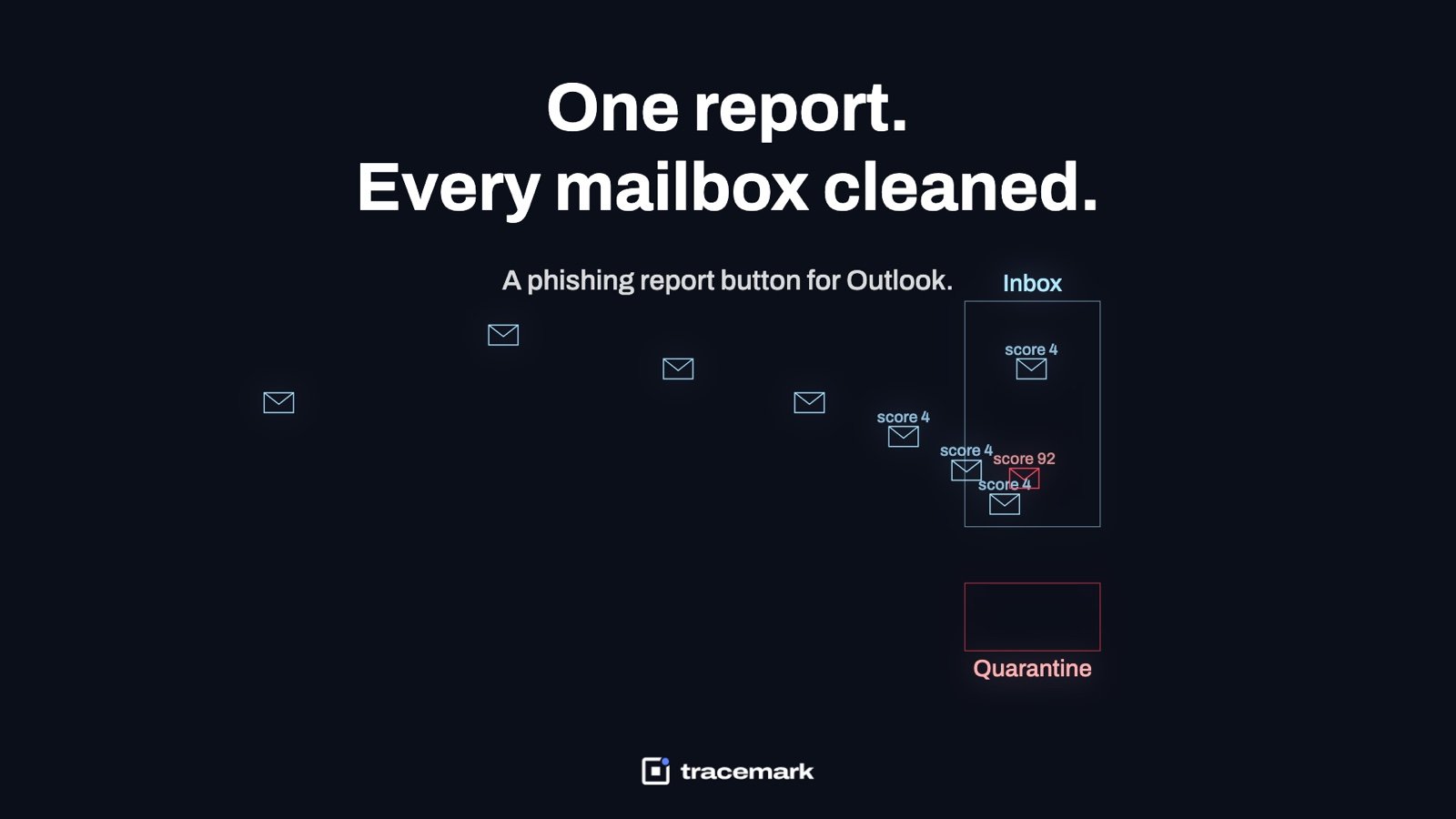 A phishing report button for Outlook, and purging the whole campaignHow a phishing report button in Outlook turns one user's report into a purge of the whole campaign from every mailbox, with a practical checklist.
 IT audit evidence: measuring controls from live data, not screenshots