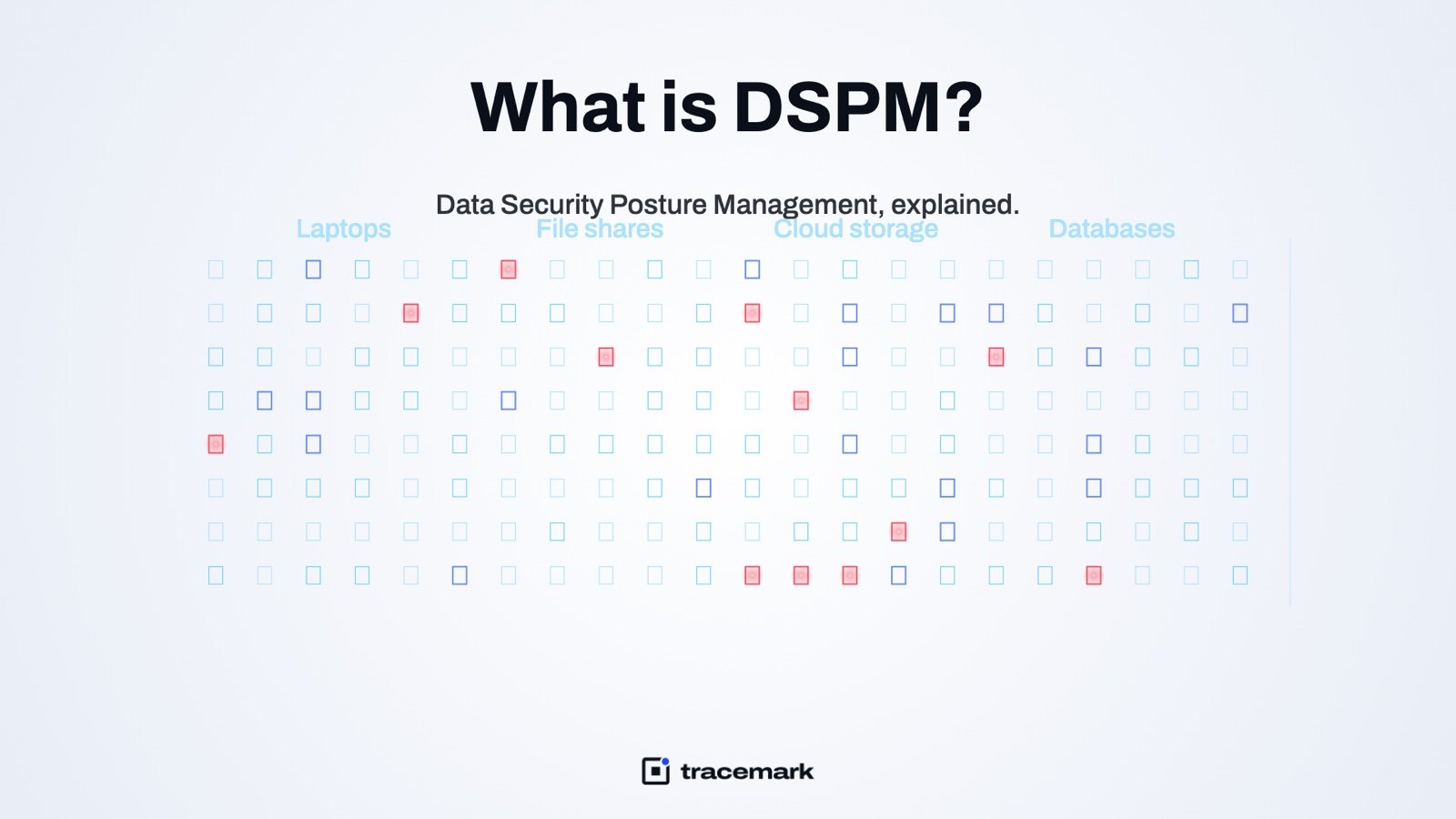
Data security posture management (DSPM) is the practice of finding where sensitive data lives, giving each file or table a classification level, working out who can actually reach it, and fixing the exposures that matter most. Where DLP watches data as it moves, DSPM looks at data where it sits: on laptops, file shares, cloud buckets and databases. The output is not a list of alerts. It is a ranked picture of risk that answers one question a security lead gets asked every quarter: where is our confidential data, and who can open it?
The problem DSPM solves
Most companies do not know where their sensitive data is. Not because nobody cares, but because data copies itself. A customer export lands in a spreadsheet, the spreadsheet goes to a share, the share is synced to a laptop, a slice of it is pasted into a slide deck, and the deck ends up in a personal Dropbox. The original database had access controls. The fifth copy has none.
Three things make this hard to manage by hand:
- Volume. A mid-sized company has millions of files. Nobody opens them one by one.
- Drift. Permissions on a share are set once and widened for years. "Everyone: Read" is added to fix a ticket and never removed.
- Blind spots. Cloud storage, SaaS file stores and databases each have their own admin console, and none of them shows the others.
Regulations push in the same direction. The NIST Cybersecurity Framework's Identify function starts with knowing what data you have and how it is classified (NIST CSF 2.0). You cannot protect what you have not found.
How DSPM works
A DSPM program has four moving parts. The tools differ, but the sequence is the same.
1. Discovery
Scanners crawl every place data can live: endpoints, SMB and NFS shares, object storage such as S3 or Azure Blob, SaaS drives such as Box or Google Drive, and databases. Discovery should be continuous, not a one-off audit. Files appear, move and disappear every day, and a scan from March is of little use in October.
2. Classification
Each file or table gets a level. The common ladder is Public, Internal, Confidential, Restricted, though the names vary. The level is decided from content, not from the file name or folder. "Q3 notes.docx" can contain a full customer list. Classification reads the text, applies detectors for things like card numbers, national IDs, credentials and contract language, and can use fingerprints of known records to catch exact matches. For a deeper look at the mechanics, see automatic data classification.
3. Access analysis
Knowing a file is Restricted is only half the story. The other half is who can open it. DSPM resolves the effective permissions: group nesting, inherited ACLs, share-level versus NTFS-level rights, and public links in cloud storage. A Restricted file readable by three named people is a different problem from the same file readable by every domain user.
4. Risk ranking and remediation
The last step turns discovery into a work queue. Exposure is ranked by how sensitive the data is and how many people can reach it. The top of the list gets fixed first: tighten the permission, move the file, delete the stale copy, or assign an owner who decides. Fixes are then verified on the next scan.
DSPM vs DLP: not the same thing
These two are often confused because both deal with sensitive data. The difference is timing.
| DSPM | DLP | |
|---|---|---|
| Looks at data | at rest, where it is stored | in motion, as it leaves |
| Core question | Where is it and who can reach it? | Should this copy, paste, upload or email be allowed? |
| Typical output | ranked exposure list, owner assignments | warn, justify or block decision, incident record |
| Fixes | permissions, location, retention | user behavior, channel policy |
| Works alone? | finds risk but does not stop a leak | stops a leak but does not know the whole estate |
They work best together. DSPM tells you a share holds 4,000 Restricted files; DLP stops someone copying them to a USB stick. The classification level DSPM assigns is also the cleanest input a DLP policy can have. If you are new to the other side, start with what is data loss prevention.
What good data security posture management looks like
A DSPM deployment that is actually useful has a few recognizable traits.
Coverage is measured, not assumed. The console says which shares, buckets and endpoints were scanned, when, and what was skipped. An unscanned share is reported as unscanned, not silently left off the chart.
Classification does not drift downward. When one detector says Restricted and another says Internal, the strictest wins. An admin can lower a level after review, but an automatic process never should. Otherwise a file that trips a weak detector today and a strong one tomorrow flaps between levels, and policy with it.
Access is shown as people, not as groups. "Domain Users: Read" means nothing to a data owner. "412 people, including the whole sales team" does.
Every sensitive share has an owner. Someone who can say whether the people with access should have it. Without owners, every finding lands on the security team, which cannot judge business need.
The level follows the file. A classification that lives only in a database is lost the moment the file is emailed. Writing the level into the document itself, as a banner or a label, means the next person and the next tool can see it.
Fixes are verified. A permission change is not done until the next scan confirms the exposure is gone.
Common mistakes
Scanning by file name. Fast and almost useless. Content is the only reliable signal.
Treating one scan as the baseline forever. Data moves. Discovery that is not continuous is a snapshot that ages badly.
Alert floods with no ranking. Ten thousand findings of equal weight is the same as no findings. Rank by sensitivity multiplied by reach.
Ignoring laptops. Shares and buckets get attention because they are central. The copy on a sales laptop is the one that walks out of the building.
No path from finding to fix. A DSPM report that lands in a PDF and is never acted on is compliance theater. The finding has to become a ticket, a permission change, or an owner's decision.
Forgetting databases. Structured data is where the sensitive records usually originate. A DSPM scope that stops at files misses the source.
A practical DSPM checklist
Use this to assess where you are before buying anything.
- List every data store in scope: endpoints, file shares, cloud buckets, SaaS drives, databases. Note which ones nobody has scanned.
- Agree on a classification ladder of three to four levels and write a one-line definition for each.
- Pick the detectors that matter for your business: customer records, card data, national IDs, salary data, source code, contracts.
- Decide the no-downgrade rule: strictest signal wins, only a reviewed decision lowers a level.
- Run discovery on one large share first and look at the top 20 exposures by hand. Check for false positives before scaling out.
- Name a data owner for each share that holds Confidential or Restricted data.
- Define what "fixed" means: permission narrowed, file moved, or copy deleted, and confirmed by rescan.
- Feed the classification level into DLP policy so the same level drives both exposure and movement controls.
- Schedule a monthly review of the top exposures and the coverage report.
- Keep the scan history. An auditor will ask what you knew and when.
How Tracemark does it
Tracemark's Data Security Posture product is one of nine delivered by the same agent on every endpoint and the same console.
Discovery covers files on laptops, file shares, cloud storage (S3, Azure, Google Cloud Storage, Box, Dropbox and Google Drive) and databases (MySQL and SQL Server). Every file gets a classification level.
The no-downgrade rule is built in: the strictest signal wins, and only an admin review can lower a level. The Documents list shows every file, its level, and who can open it. Risk is ranked by who can actually access the data, not by the raw count of findings. Data owners are assigned per share.
The level follows the file. Classification banners are written into Office documents on save, and labelling add-ins for Word, Excel, PowerPoint and Outlook suggest a label from the content. There is more on that in classification labels in Word, Excel, PowerPoint and Outlook.
Because it is the same agent and the same console, the data DSPM finds at rest and the DLP decisions made when data moves are managed in one place. For the DLP side, see what is data loss prevention.
Frequently asked questions
Is DSPM only for cloud data?
No. The term started with cloud storage, but the same problem exists on file shares, laptops and on-prem databases. A DSPM program that covers only cloud buckets leaves the older and often larger part of the estate unseen.
How is DSPM different from a data catalog?
A catalog describes datasets for people who want to use them. DSPM describes sensitive data for people who want to protect it, with a focus on classification, effective access and exposure. They can share discovery output but serve different audiences.
How long does a first scan take?
It depends on the volume and the storage. Large shares with millions of files can take days for a full content scan. The practical approach is to start with the shares most likely to hold sensitive data, review the first results by hand, and expand from there.
Does DSPM replace DLP?
No. DSPM finds and ranks data at rest. DLP controls data in motion. Each one is weaker without the other, and the classification level is the link between them.
Try it
Try Tracemark free for three months. Claim it at tracemark.ca